
Creating a home office that feels both cozy and productive is essential for anyone working remotely or spending significant time at home on projects. A well-designed workspace can enhance focus, reduce stress, and make working from home much more enjoyable. Here’s a detailed guide with plenty of tips to help you set up an inviting and efficient home office space.
Why a Cozy and Productive Workspace Matters
Your home office isn’t just a place to get work done. It’s a space you’ll spend hours in, so comfort and functionality go hand-in-hand. When your workspace is inviting and well-organized, you’re more likely to stay motivated, minimize distractions, and maintain good posture and health.
Choosing the Right Location
Find a Quiet Spot
Look for a place in your home that’s quiet and away from high-traffic areas. Minimizing noise will help you concentrate better.
Consider Natural Light
If possible, position your desk near a window. Natural light boosts mood and reduces eye strain. Just be mindful of glare on your computer screen.
Think About Space Needs
Make sure the location has enough room for your desk, chair, and storage. Avoid cramped areas that make you feel confined.
Selecting Comfortable and Functional Furniture
Invest in a Good Chair
Your chair is the centerpiece of comfort. Choose one with adjustable height, lumbar support, and breathable fabric to keep you comfortable during long hours.
Choose the Right Desk
Consider a desk with enough surface area for your computer, notebooks, and any peripherals. Adjustable desks that allow you to switch between sitting and standing positions can improve comfort and health.
Add Storage Solutions
Keep your workspace clutter-free with shelves, drawers, or filing cabinets. Organization tools like desk organizers and cable management systems can also help maintain a tidy setup.
Optimizing Lighting
Use Layered Lighting
Combine ambient, task, and accent lighting. A desk lamp focused on your work area supplements overhead lights and reduces eye strain.
Choose Warm Light Bulbs
Warm or daylight LED bulbs create a cozy atmosphere and mimic natural light, which is easier on the eyes.
Personalizing Your Space for Comfort and Inspiration
Add Soft Textiles
Incorporate items like a soft throw blanket or a cushioned rug to add warmth and comfort to your office.
Decorate with Plants
Plants improve air quality and add a splash of color and life to your environment. Choose low-maintenance varieties if you’re not a green thumb.
Display Inspiring Items
Photos, artwork, or quotes that motivate you can create a positive, welcoming vibe.
Minimizing Distractions
Set Boundaries
Communicate your work hours to family or housemates. Use a door sign if necessary to let others know when you need privacy.
Manage Noise
Use noise-cancelling headphones or play soft background music if ambient noise is unavoidable.
Keep Your Desk Clear
Only keep essentials on your desk to avoid clutter-induced distractions.
Maintaining Ergonomics for Health and Productivity
Position Your Monitor Correctly
The top of your monitor should be at or slightly below eye level to reduce neck strain.
Use an External Keyboard and Mouse
If you work on a laptop, using external peripherals can promote better posture.
Take Regular Breaks
Incorporate short breaks into your workday to stand, stretch, and rest your eyes.
Organizing for Efficiency
Establish Zones
Create separate areas for computer work, paperwork, and storage. This helps switch focus easily and reduces clutter.
Use Digital Tools Wisely
Leverage apps and tools to stay organized and manage tasks, but limit notifications to avoid interruptions.
Schedule Routine Cleanups
Regularly tidy and reorganize your workspace to keep it functional and inviting.
Incorporating Technology Thoughtfully
Reliable Internet Connection
Ensure your workspace has a strong Wi-Fi signal or consider a wired connection for stability.
Manage Cables
Use cable organizers and clips to prevent tangling and keep your desk neat.
Optimize Equipment Placement
Arrange devices so that frequently used items are within easy reach to streamline your workflow.
Enhancing Air Quality and Temperature
Proper Ventilation
A well-ventilated room keeps air fresh and can help you stay alert.
Comfortable Temperature
Use fans, heaters, or air conditioners to maintain a temperature that keeps you comfortable throughout the day.
—
Creating a cozy and productive home office is all about balance: blending comfort, organization, and personal style to make your workspace a place where you look forward to spending time. Start with a clear plan, focus on ergonomics and lighting, and personalize your environment with touches that inspire and relax you. A thoughtful home office setup can significantly boost both your mood and your work output.
Related Posts
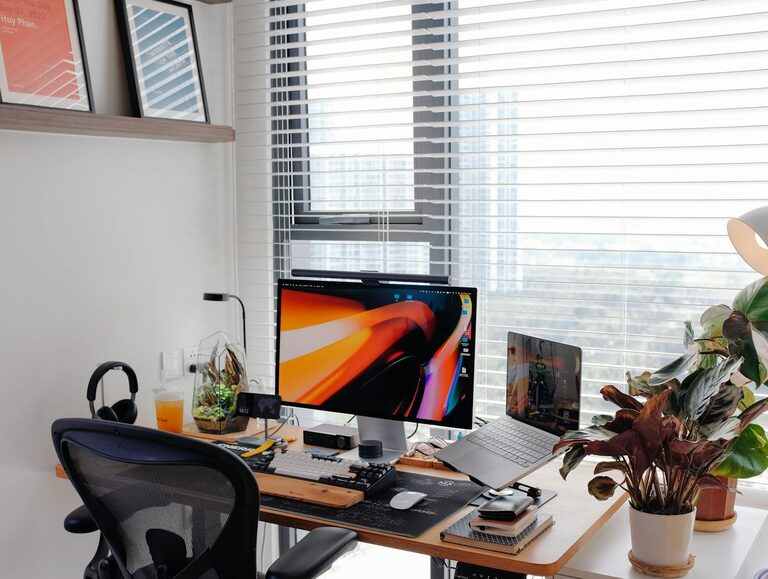
Tips for Creating a Cozy and Productive Home Office Space
Creating a home office that is both cozy and productive…

How to Create a Cozy Reading Nook at Home
Creating a cozy reading nook at home is a wonderful…
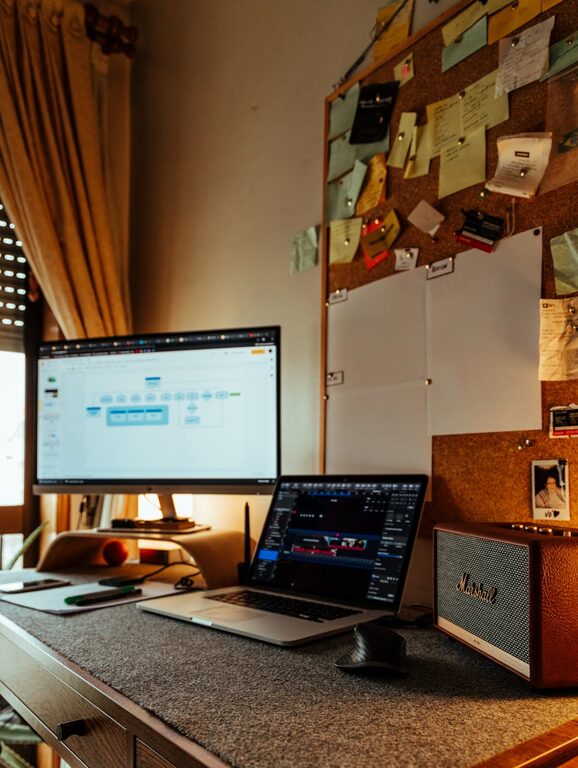
Tips for Creating a Cozy and Productive Home Office Space
Creating a home office that feels cozy yet fuels your…